Dashboard
When you first log in to YP Manager, you will start at the main dashboard.
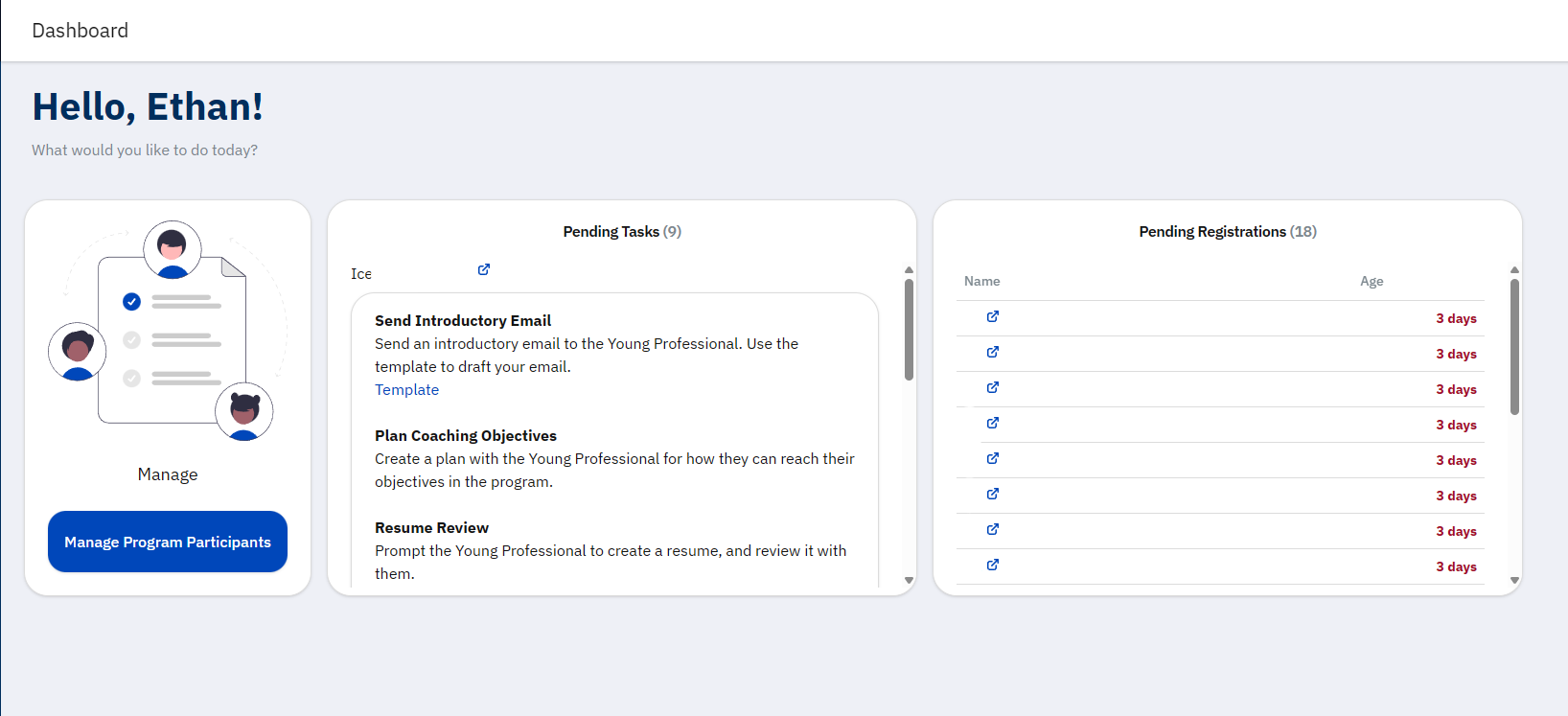
On the left, you will see a collection of progress bars that indicate your overall completion of tasks in the system. There is a link to view your progress
On the right, there is a Quick Actions panel which contains links to common actions you can take. These may include:
Your role will determine which links you can view.