Applicant Review
Roles that can access this feature:
Regional Specialist
Regional Facilitator
Program Leader
The Applicant Review is a tab on the Management page. You will find a Registration List of pending users.
After pressing the “Manage” button for an applicant, you will see a page similar to a Registration Detail.
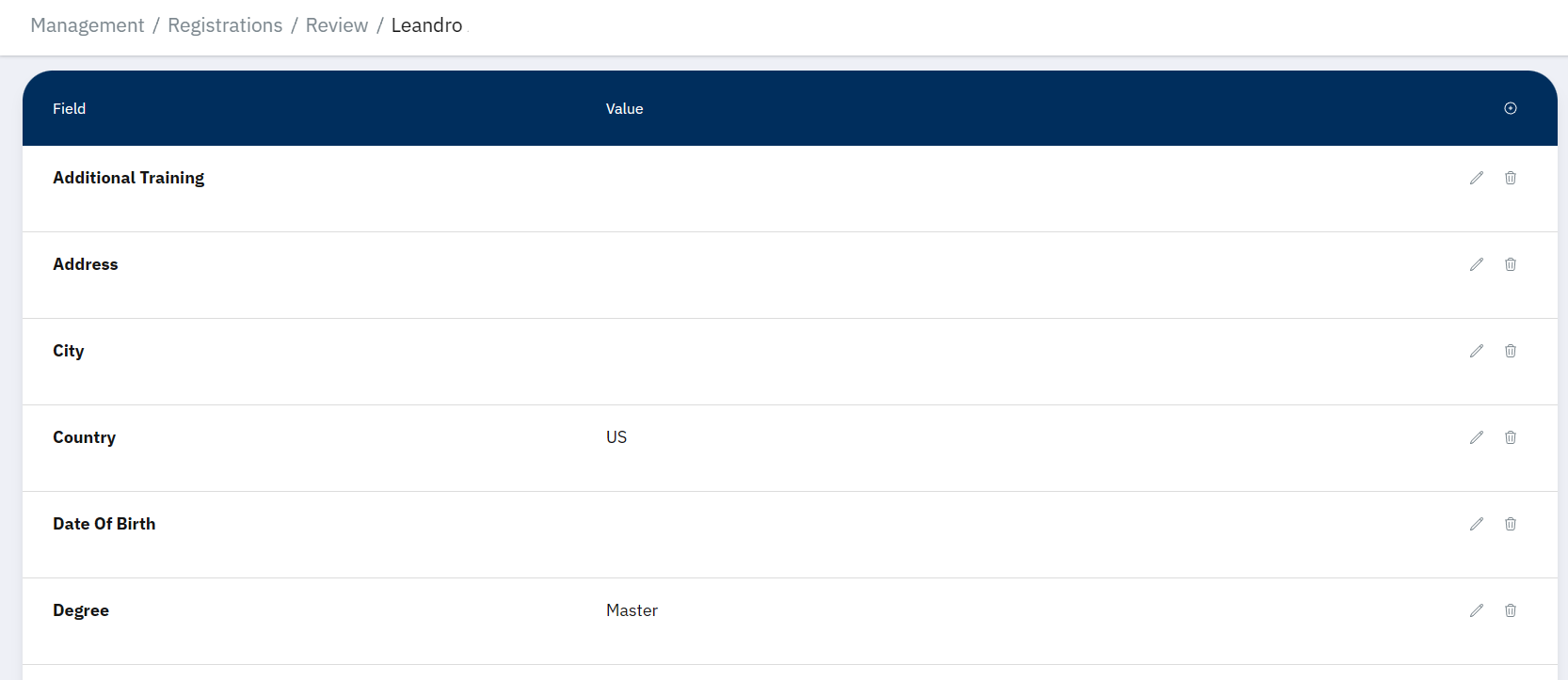
Note that most of the information in the above image has been redacted.
Review Sidebar
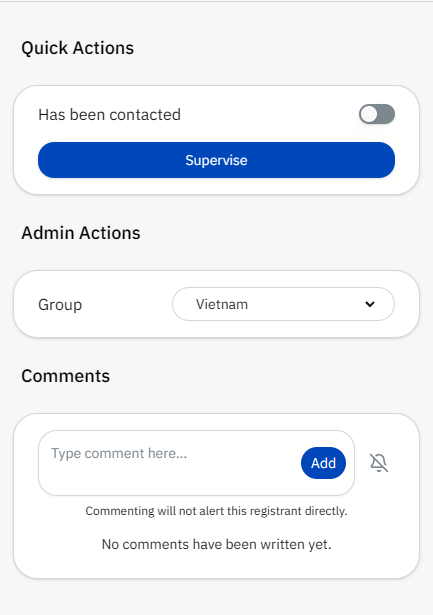
There is a sidebar on the right side of the screen. This sidebar allows you to:
Mark a registration as contacted.
Mark yourself as the one overseeing the onboarding (supervise).
Change the registration’s group/region (Admins and Program Leaders only).
Leave comments, and optionally subscribe to future comments.
Actions
At the bottom, you will find “Approve” and “Reject” buttons.
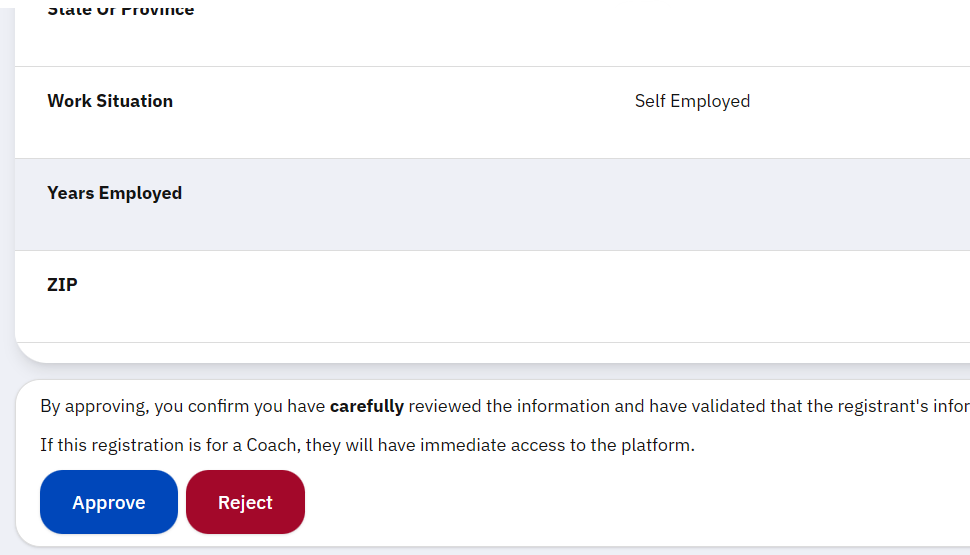
Pressing “Approve” will add the registration to the main Registration List for their role. Pressing “Reject” will remove the registration from the pending list, and it will no longer be visible in the application for anyone.
Note
If the registrant is for a Coach, the “Email” field will determine the email that person will need to access the application.
Warning
Approving a registration will immediately grant the registrant access to the application. Carefully review their details.
You cannot undo a rejection. You must consider the reason for rejecting. Common reasons may be spam or abuse. If the registration seems dangerous, please contact a program leader immediately.
If you accidentally approve or reject an application without meaning to, also contact a program leader immediately.