Assignment List
The assignments list is accessible from the Management page. It shows a list of all the assignments your account is allowed to view. Depending on your role, this list may be empty.
See the Table Customization guide for options on filtering or ordering rows.
Here is an example. Note that most information has been redacted.
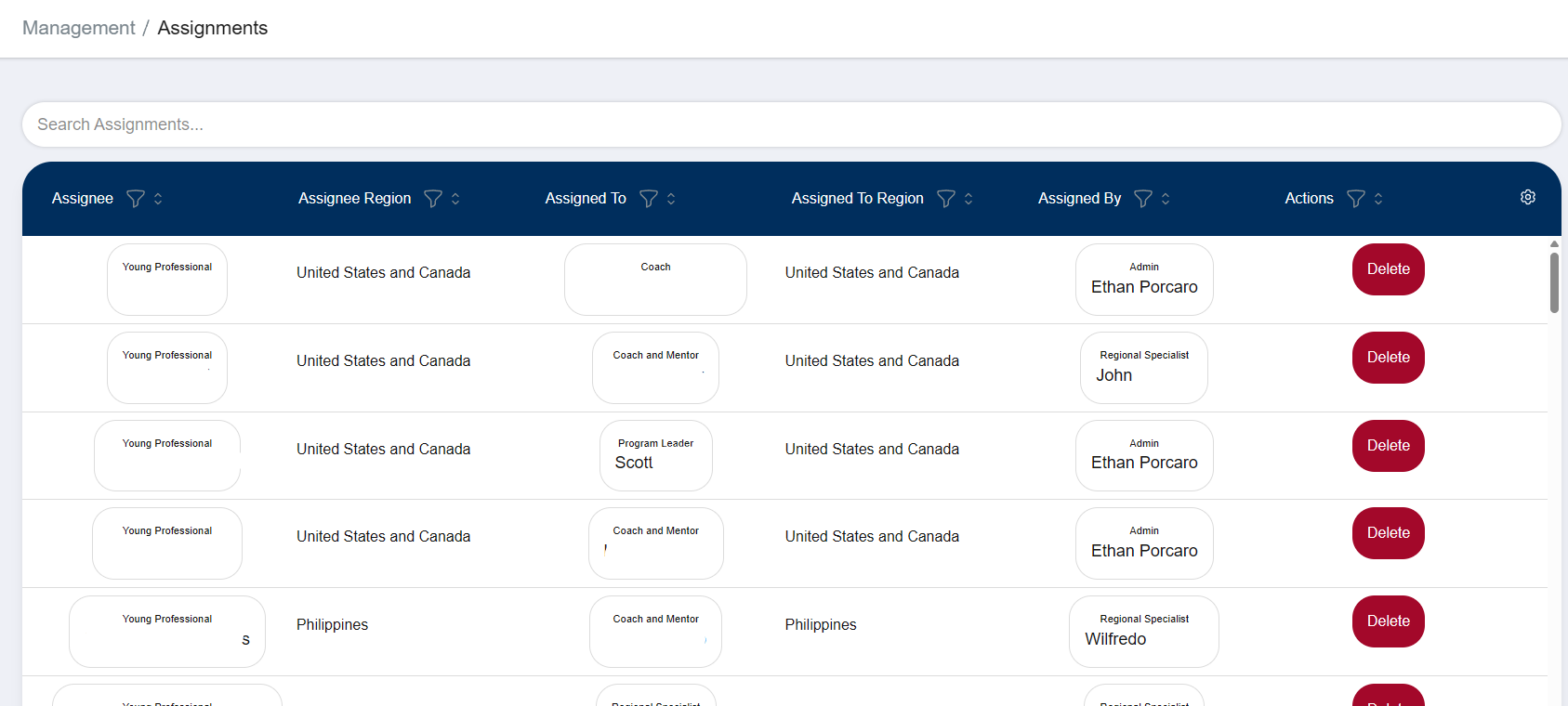
Each name cell has a link to the person’s registration. Depending on your account access, you may recieve an access denied error when clicking some links.
You can also delete assignments with the “Delete” button in the Actions column.
Warning
Deleting an assignment will instantly revoke access from the assigned coach. Carefully consider and communicate your reason for deleting an assignment.