Registration Review
Roles that can access this feature:
Regional Specialist
Regional Facilitator
Program Leader
The Registration Review can be accessed from the Registrations Dashboard.

You will find a Registration List of pending users.
After pressing the “Manage” button, you will see a page that works like a Registration Detail.
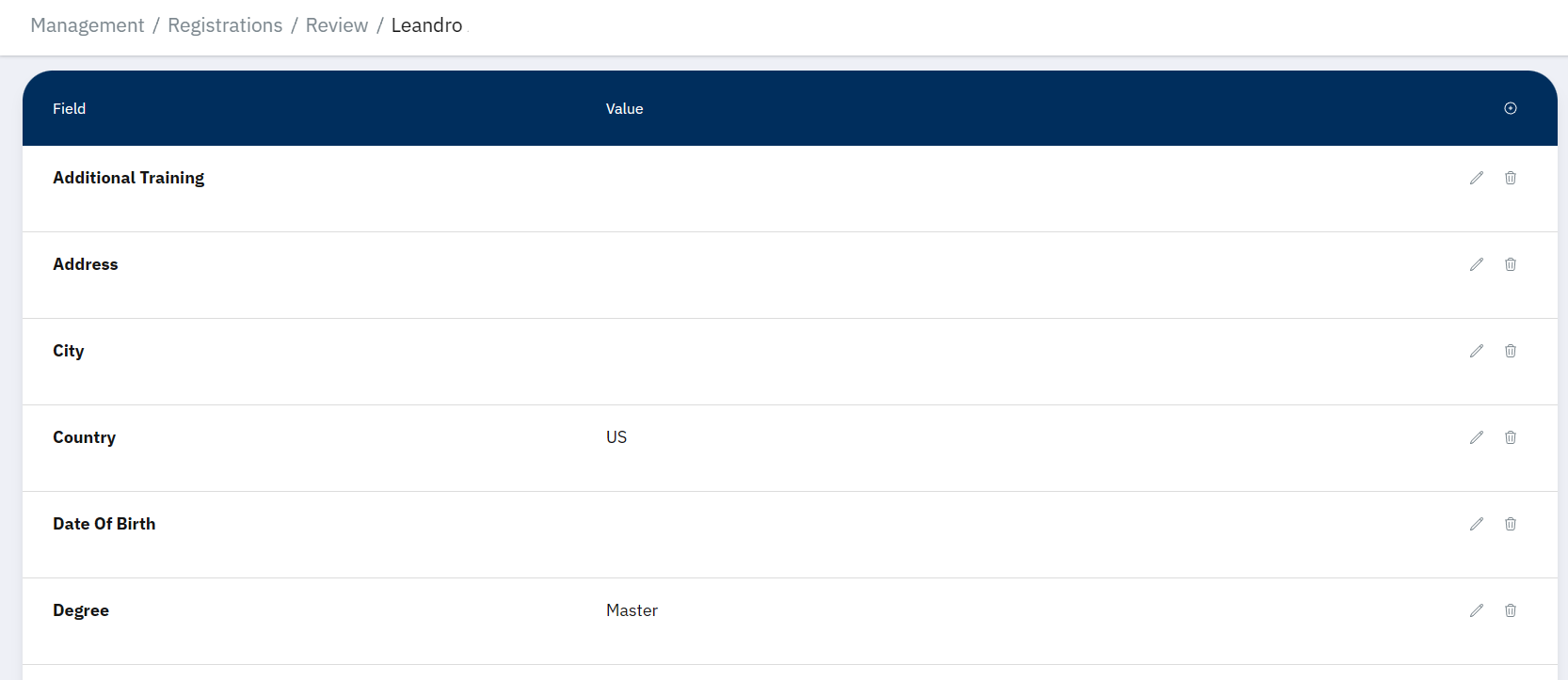
Note that most of the information in the above image has been redacted.
Additionally, you will find “Approve” or “Reject” buttons.
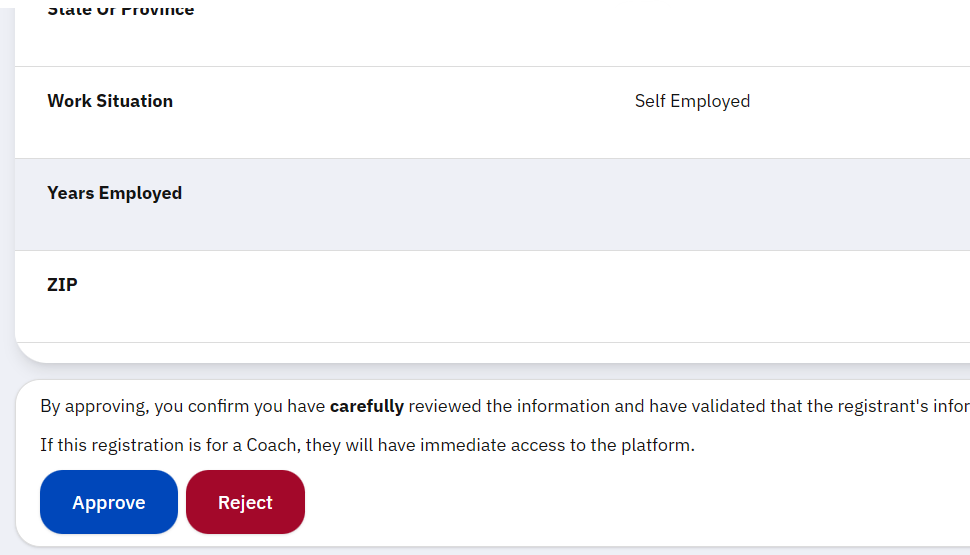
Pressing “Approve” will add the registration to the main Registration List for their role. Pressing “Reject” will remove the registration from the pending list, and it will no longer be visible in the application for anyone.
Note
If the registrant is for a Coach, the “Email” field will determine the email that person will need to access the application.
Changing the “Region” field will not change the registrant’s region, or pass them off to another Regional Specialist. If you really need to change the Region, please contact a program leader.
Warning
Approving a registration will immediately grant the registrant access to the application. Carefully review their details.
You cannot undo a rejection. You must consider the reson for rejecting. Common reasons may be spam or abuse. If the registraion seems dangerous, please contact a program leader immediately.
If you accidentally approve or reject an application without meaning to, also contact a program leader immediately.
Note
There are plans to improve the interface for the Registration Review page. If the layout has changed, you can always revisit this guide for updates.