Communications
Access to the “Communications” pages are currently granted on a per-user basis.
They are made up of two parts:
Direct Messages
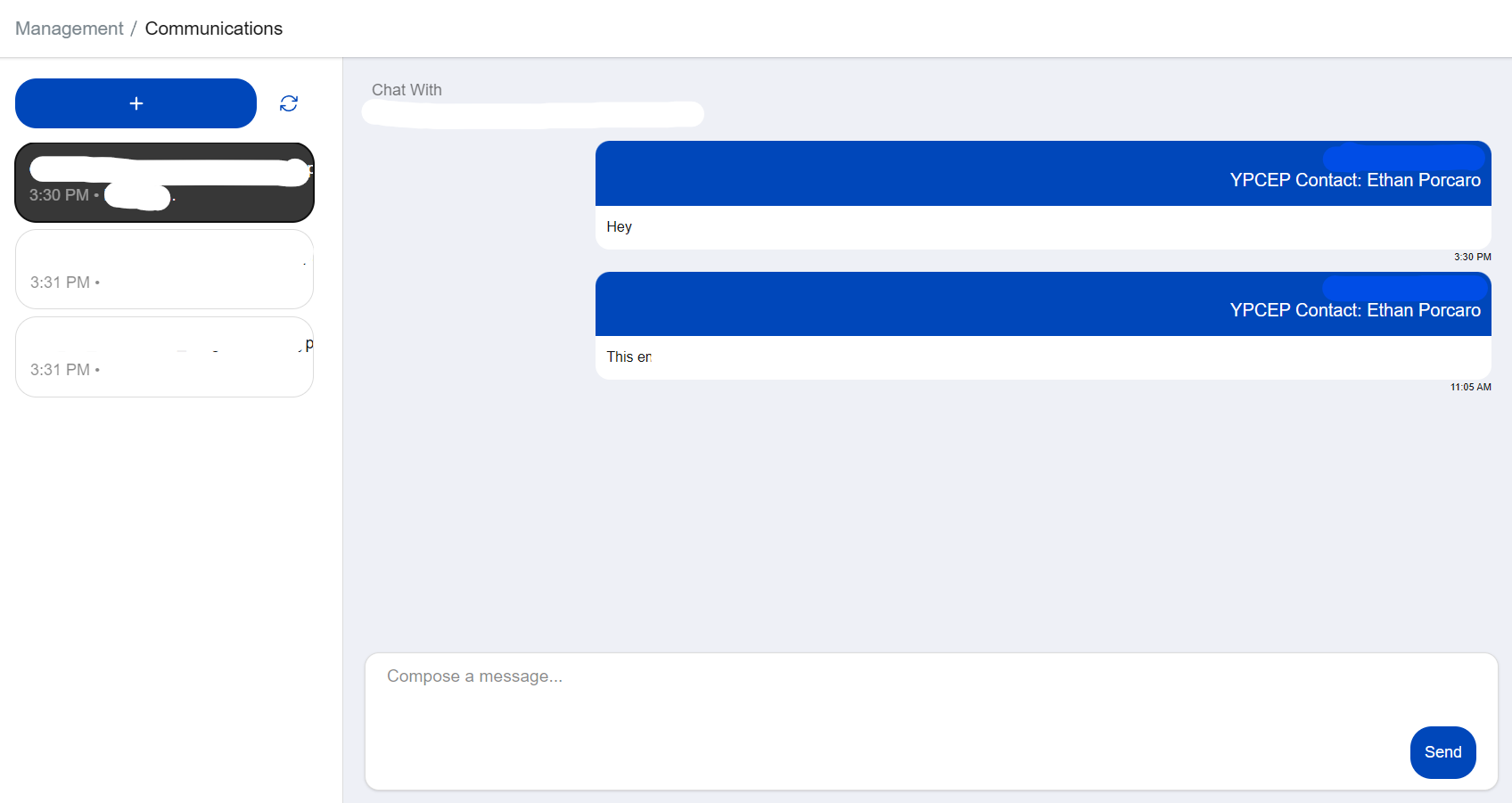
The “Direct Messages” page allows you to contact program participants. Sending a message here creates a two-way communication with the recipient.
Writing a message here will send an email to the recipient’s address on file. If they reply to the email, it will appear back at the direct messages page.
To message a new contact, press the plus icon above the list of addresses. Select a user from the Registration List, then write a message.
Warning
This feature is experimental and should not be used to contact Young Professionals, Coaches, or Mentors at this time.
After pressing the “send” button You will be prompted to confirm. When the message sends, the text box will be cleared!
Bulk Messages
The “Bulk Messages” page allows you to send bulk emails to an entire group at once, filtered by the specified roles.
For example, you can send a single message to all Coaches and Mentors in your region.
To prevent accidental sending of mass emails, only one group can be selected at a time.
Danger
Be very careful when sending a message to all Young Professionals in a group. There can be hundreds of them. Our third party email providers are very strict about keeping our email adresses in good reputation, so we don’t want to get spam reports.
Begin by writing a subject, then compose a message.
You can then use the “Select Group” button select the group to message, then enable all the roles you want to include with the “Select Roles” button.
You will be prompted to confirm before sending. When the message sends, the text box will be cleared!